Player Profiles
Track every skater's season numbers, rate their skills, and get AI-powered coaching insights — all from the player profile.
Profile Overview
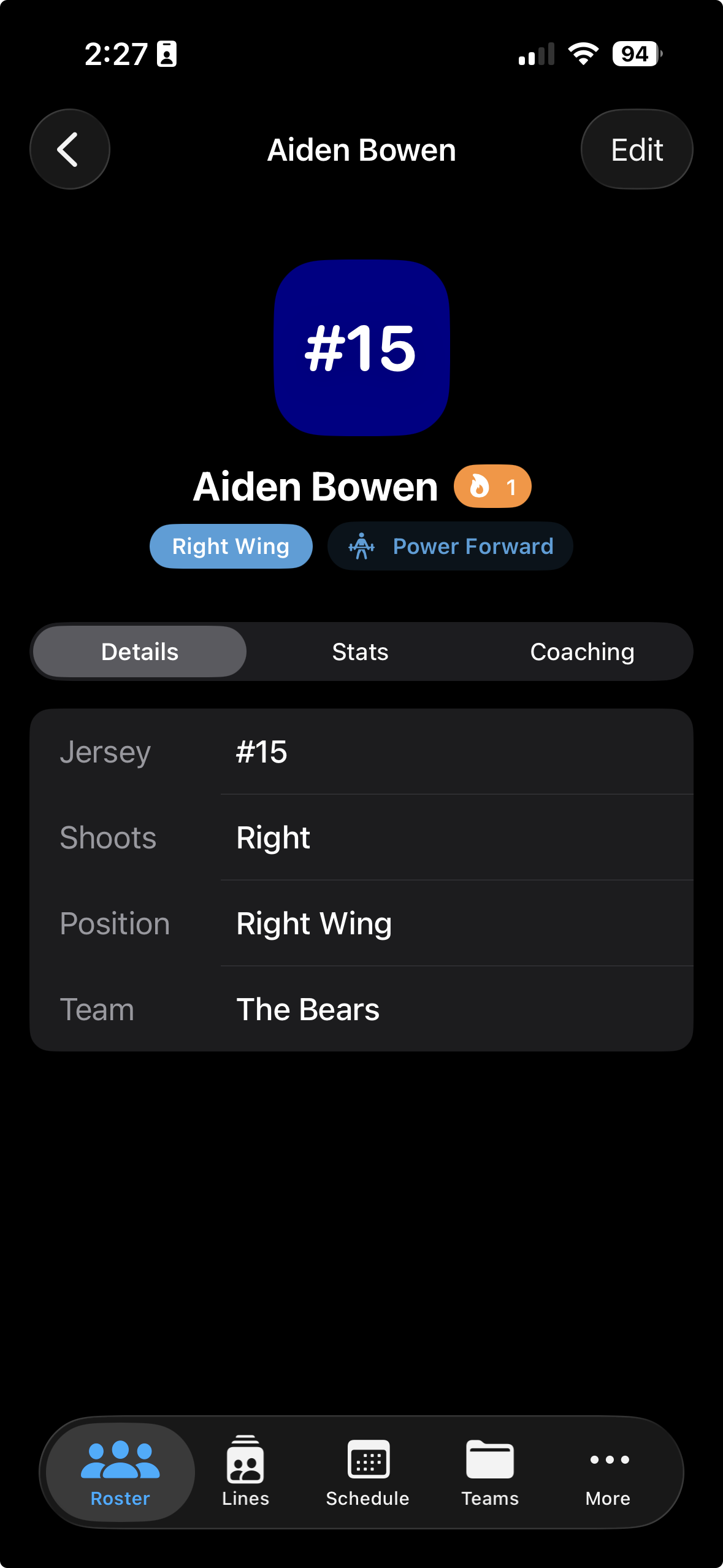
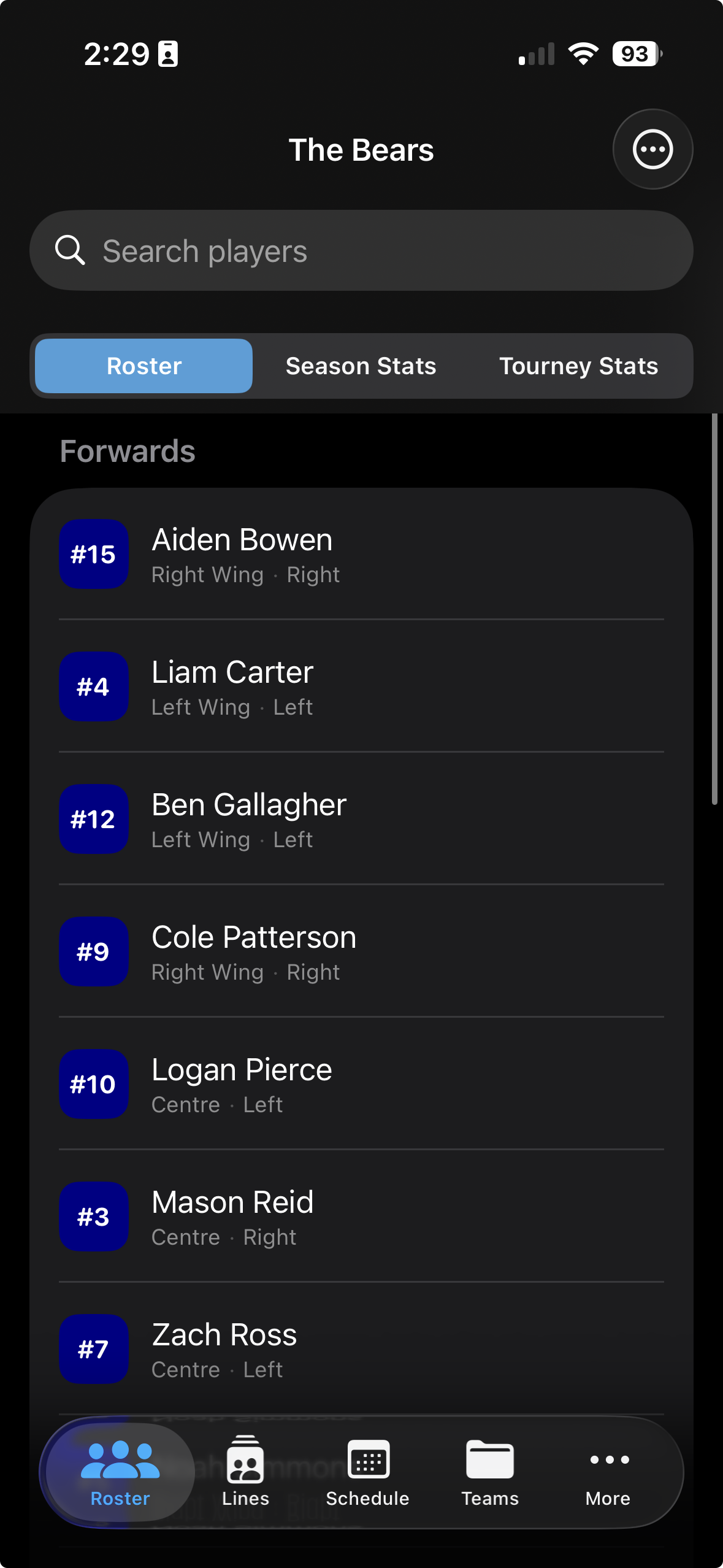
Open the Roster tab and tap any player's row to open their profile. The profile opens directly on the Details tab.
The Details tab shows everything you need to know about the player — jersey number, position, handedness, and the team they're rostered on.
Season Numbers
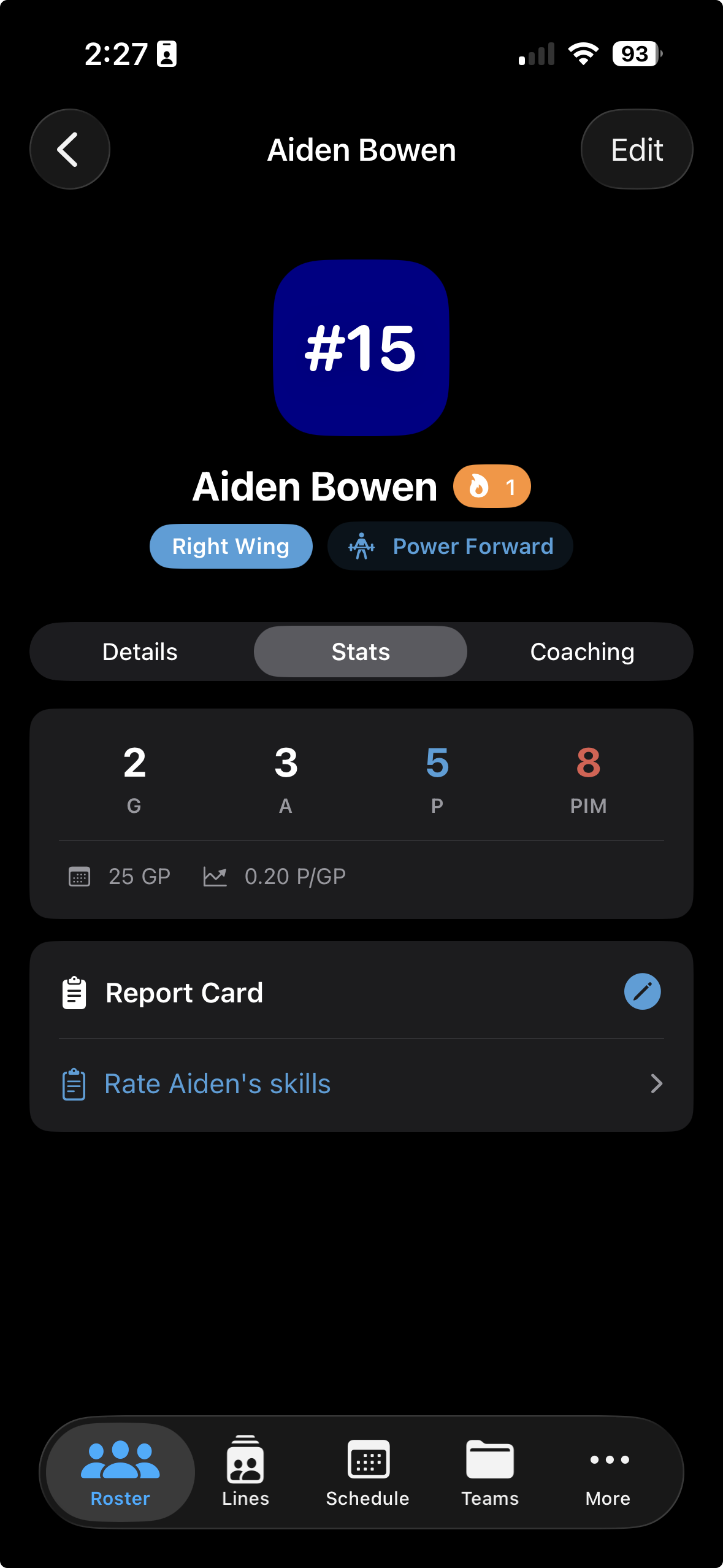
From the player profile, tap the Stats tab. Season totals update automatically from Gamesheet throughout the year.
For goalies, the Stats tab shows season-long goalie metrics rather than skater stats. Everything is calculated automatically from your game logs.
Skill Ratings
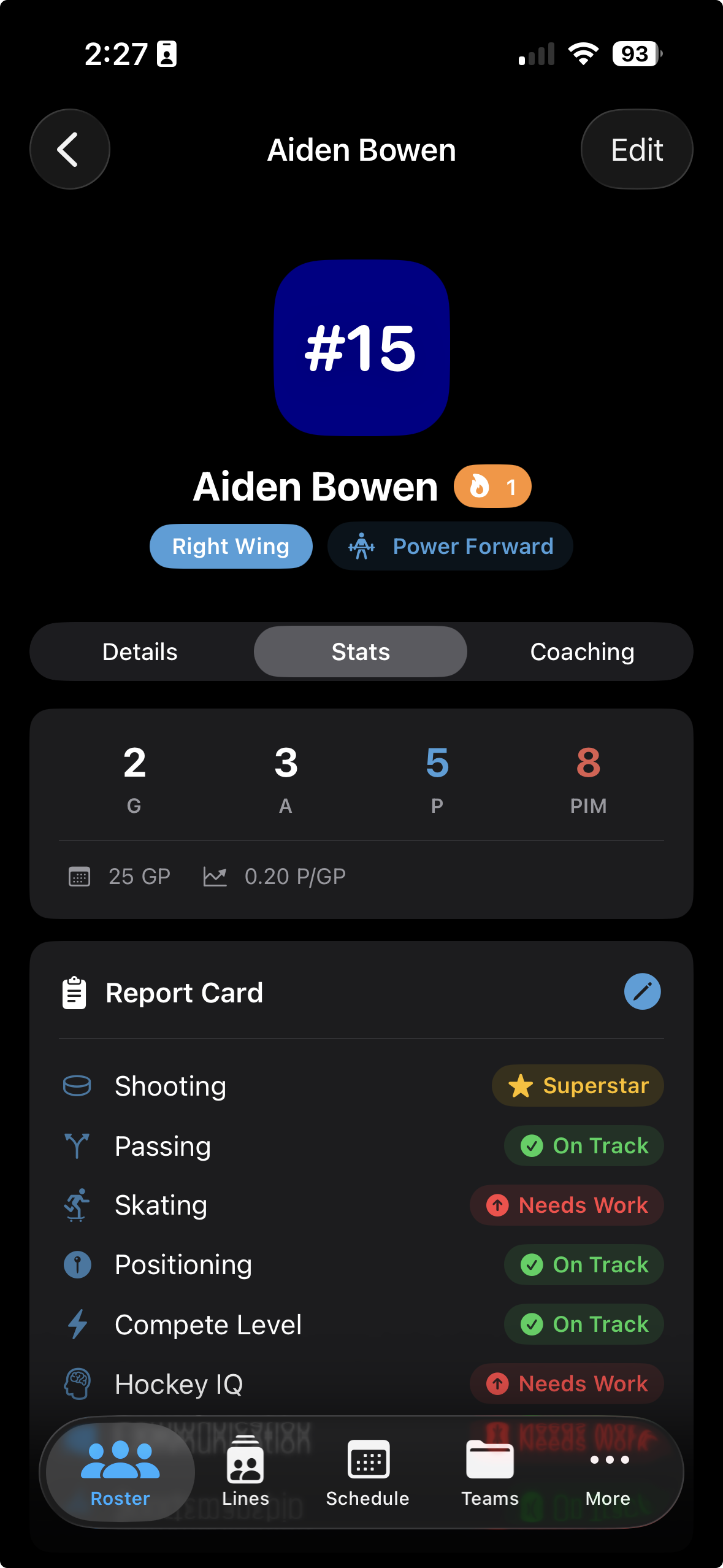
Below the season stats, you'll find the Report Card section. Each skill area shows its current rating — unrated skills appear as blank until you assess them.
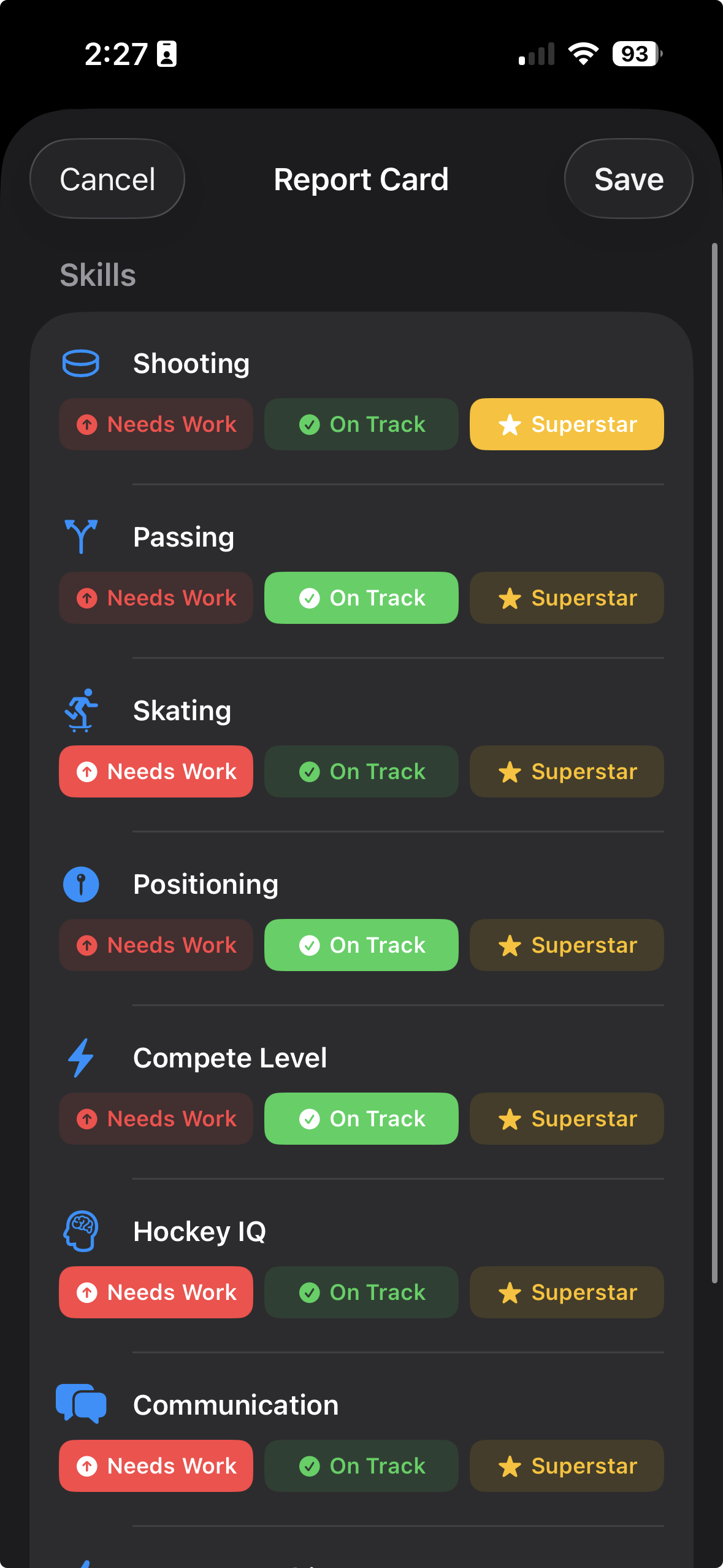
Tap the Report Card to open the rating sheet. For each skill, choose one of three ratings that reflects where the player is right now.
AI Insights
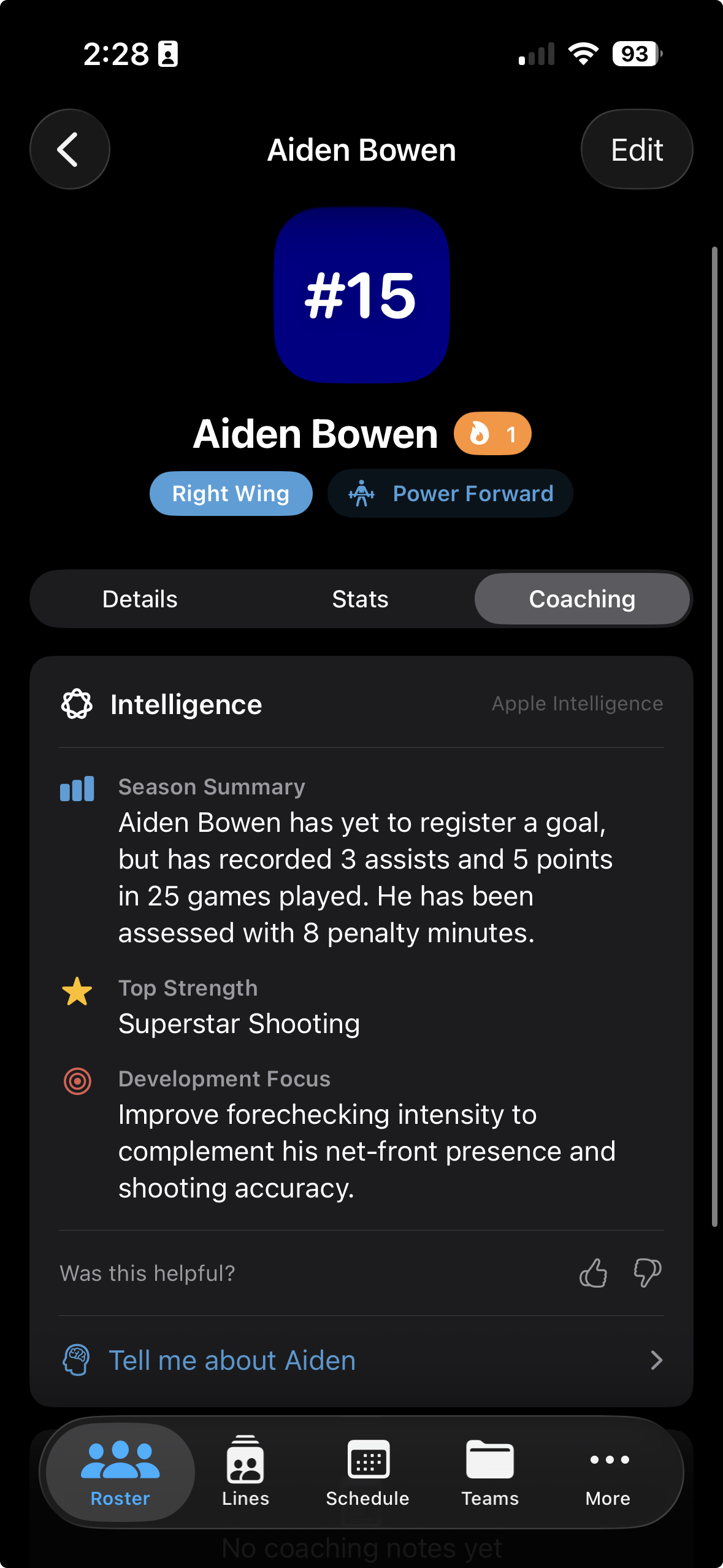
The Coaching tab uses on-device Apple Intelligence to surface personalised insights based on the player's stats and report card ratings. Suggestions refresh as you log more games and update ratings.
Below the AI insights, you'll find a free-text Coaching Notes field. Use it to jot down observations from practice or games — anything you want to remember for your next conversation with the player or their parents.
Rinkside is currently in beta. Request TestFlight access and start building your team's report cards today.
Request TestFlight Access